Customers can move or cancel their own bookings, so you spend less time on the phone. You decide how late they can do it.
The Change or cancel link
Right after booking, and in every booking message, customers get a private Change or cancel link while changes are still allowed. They don’t need an account.
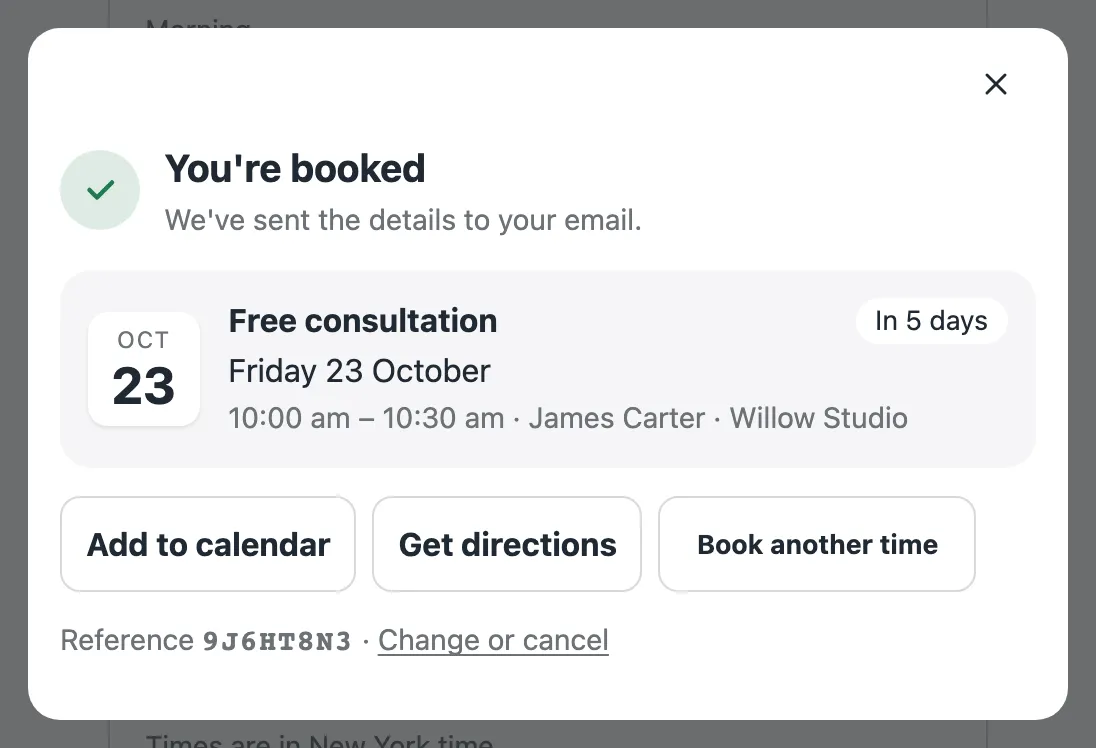
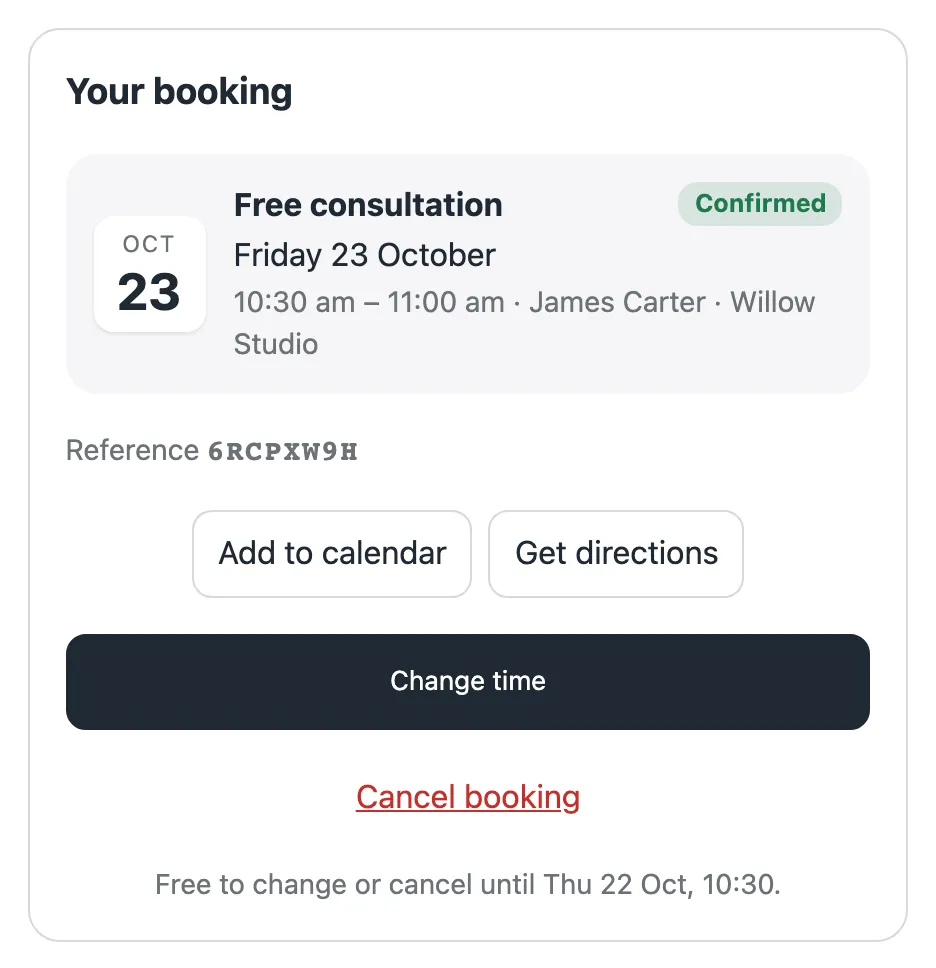
The link opens their booking. From there they can:
- Change time to another free time. The new time is reserved before the old one is let go, so they never lose their place.
- Cancel booking.
The cut-off
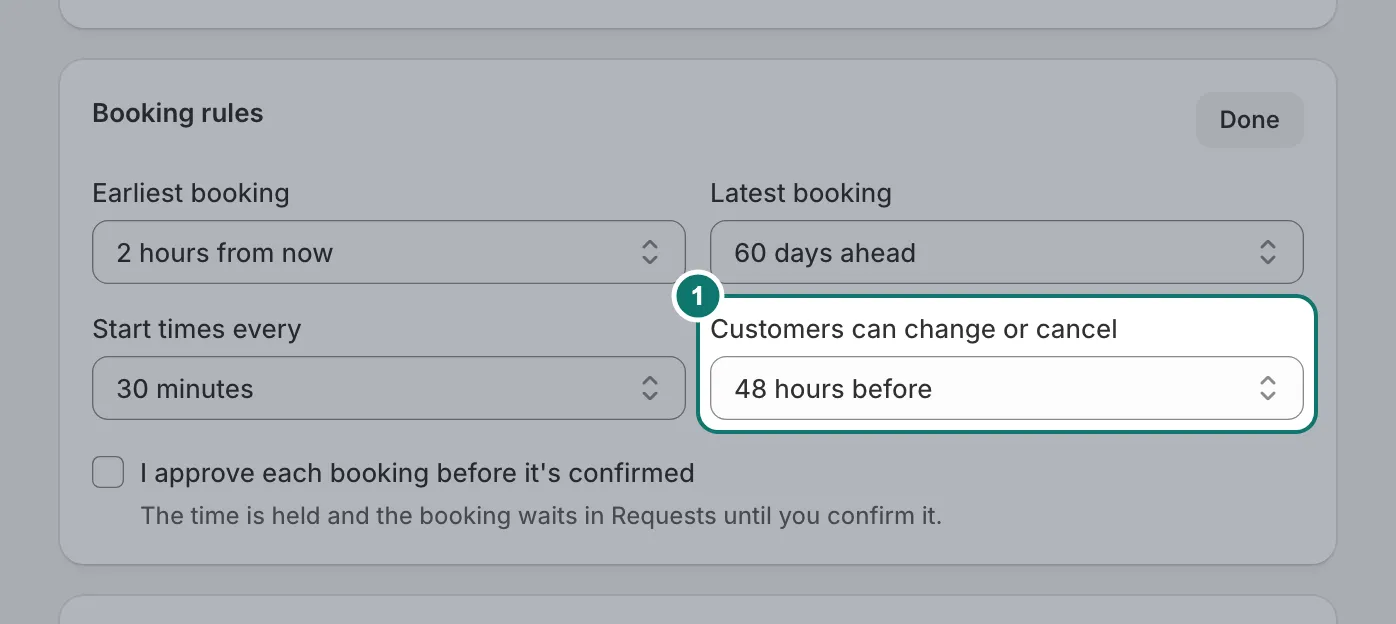
Each service has a cut-off; by default, changes are allowed until 24 hours before the start. After it, customers can’t change the booking online, so they contact you.
In their Shopify account
Customers who sign in to your store see an Appointments page in their account: upcoming bookings with Change or cancel, Add to calendar and directions, and past bookings with Book again. Bookings they made as a guest with the same email show there too.
Paid bookings
If a customer cancels a paid booking in time, Bookmerce shows you a reminder to refund it on the Shopify order. You see every change in Bookings, and cancelled bookings stay in the list so you know what happened.